 ADHD
ADHDYour Meetings Can File Themselves
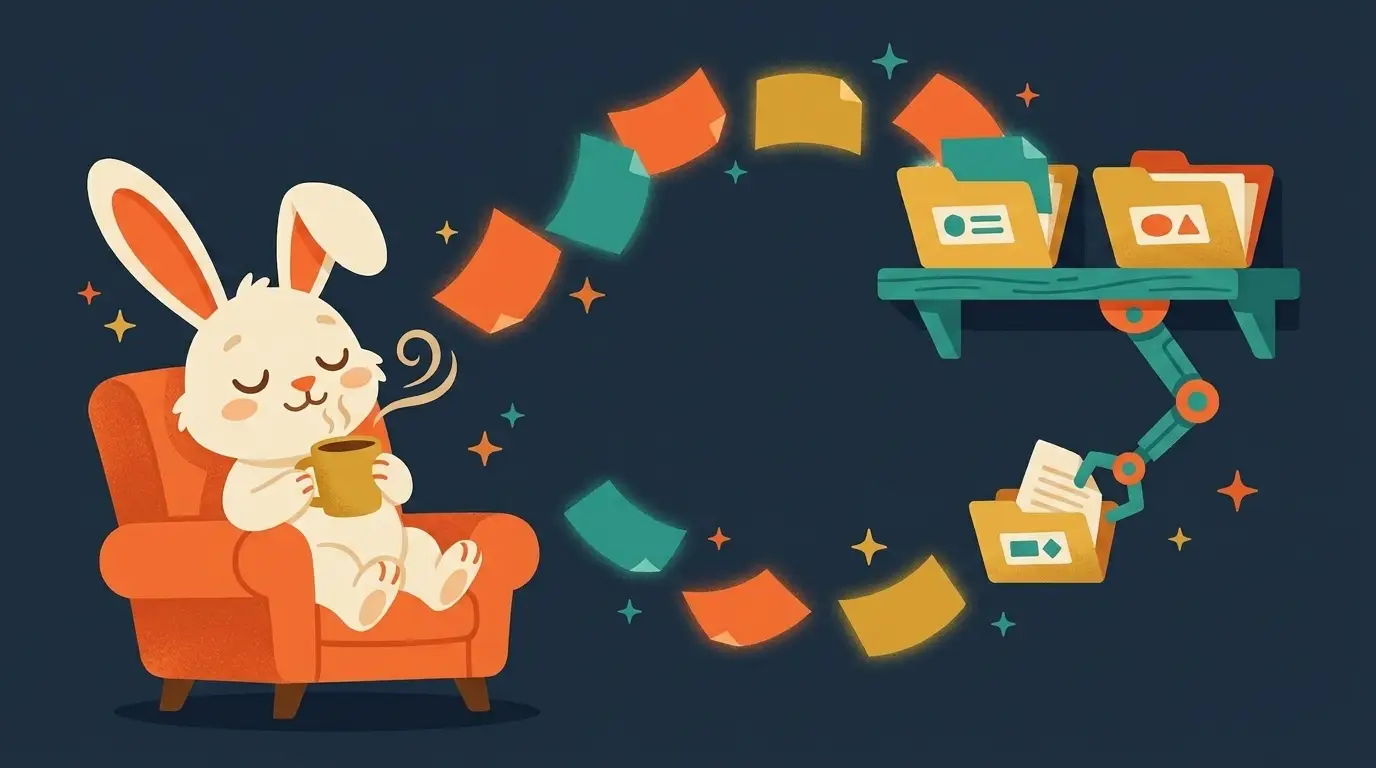
David Allen, the guy who wrote Getting Things Done, has a rule I think about constantly: "if it's not instant, it won't get done." He said that about capturing thoughts, but it applies just as hard to meetings. If taking notes means you have to remember to open a doc, type while someone's talking, and then go back later and organize the mess, most of that meeting is gone by Friday. Not because you didn't care. Because the friction between hearing something useful and writing it down killed it.
The old way turns every meeting into homework
Here's what usually happens. You're in the meeting, someone assigns you three things, and you're trying to listen and write at the same time, which for an ADHD brain can feel like running two conversations at once. So you scribble half of it, miss the other half, and tell yourself you'll clean it up after. You don't. It sits in a notebook or a notes app as a paragraph of fragments, and two days later you can't tell if "call Jenna Thurs" means you're calling her or she's calling you. That fragment is now a tiny weight sitting in your mental backpack, and it stays there until you either lose it entirely or burn energy decoding your own handwriting.
This is the exact problem the Yap Method is built to solve, just applied to meetings instead of stray thoughts. YAP means you talk messy and don't organize while you're doing it. MAP means AI sorts what you said into Tasks, Worries, Ideas, Feelings, and Questions. TAP means you pick one tiny action, two to ten minutes, and do it. The postcard rule still applies here: a good note should read like a postcard, short enough to act on the second you look at it, not a transcript you have to re-read to understand.
Tools that capture without you doing anything
Granola is an AI meeting notepad that transcribes straight from your computer's audio. No bot joins the call, nobody sees a strange name pop into the meeting window, it just listens to what's already playing through your speakers and mic. After the meeting ends, it hands you notes and a list of action items. The free tier does unlimited meeting notes with access to your last 30 days, so you can start using it today without paying anything or asking permission from whoever's running the meeting (tier details captured July 2026; they change often).
Wispr Flow solves a different piece of the same problem: turning messy speech into clean writing in whatever app you're already using. Instead of typing a follow-up email or a task description, you talk it out loud and it comes out as clean text, not a wall of run-on sentences. Wispr Flow's own claim is that it's about 4 times faster than typing. That's their number, not an independent study, so take it as a vendor claim, but even at half that speed it beats staring at a blank compose box while your thought evaporates.
The backpack only fills up when capture takes effort. Take the effort away and there's nothing left to carry.
Why zero-effort capture may matter more for ADHD brains
A 2018 brain-imaging study published in the journal Brain found that unmedicated ADHD adults weight novelty about twice as heavily as people without ADHD, and chasing that novelty actually predicted worse task performance, not better. Translate that to a meeting. The new idea, the tangent, the interesting side comment, all of it pulls at your attention harder than it pulls at someone else's. If capturing it means stopping to write, you either lose the thread of the meeting or you lose the idea. Neither is a fair trade.
Take the writing out of the loop and that tradeoff disappears. Granola is already listening, so the idea gets caught whether or not you stopped to write it down. No tool treats or fixes ADHD, and I'm not claiming one does. This just removes one specific piece of friction that ADHD brains pay a bigger tax on than most people do. No rigorous study has measured AI speed gains for ADHD adults specifically, so I won't pretend this is proven. What I can tell you is the mechanic: less effort to capture means fewer things fall out of your head before you get a chance to act on them.
Where the meeting note goes
Manual notes vs. automatic capture
Run it through MAP anyway
A tool that transcribes your meeting isn't the finish line. It's a better starting pile. Granola hands you a note with action items already pulled out, which is most of the MAP step done for you, but you still want to run it through the same five buckets: what's a Task, what's a Worry someone raised, what's an Idea worth a follow-up, what's a Feeling in the room worth naming, what's a Question that's still open. Then TAP one item, the smallest one, two to ten minutes, and knock it out before you leave your desk. The rule holds here just like everywhere else in this method: if the AI doesn't make your next step smaller, it's not helping. A perfectly transcribed meeting that still leaves you with twelve vague bullet points hasn't done its job. One clear, tiny next action has.
Wispr Flow fits right after that. Once you know your one action is "send Jenna a follow-up," you talk it instead of type it, and what comes out the other end is clean enough to send without editing. That's the whole loop: capture without effort, sort into piles, pick one small thing, say it out loud instead of wrestling with a keyboard. None of this needs willpower. It needs the friction removed, and these tools remove a specific piece of it.

Take the whole system with you
The free 43-page ebook: the brain science in plain words, the four steps, the master prompt, and your first seven days.
Prefer it live? Doug teaches this in libraries and meetups — book a 90-minute class →