 ADHD
ADHDObsidian Is Free, Private, and Too Complicated. Use It Anyway (With Four Folders)
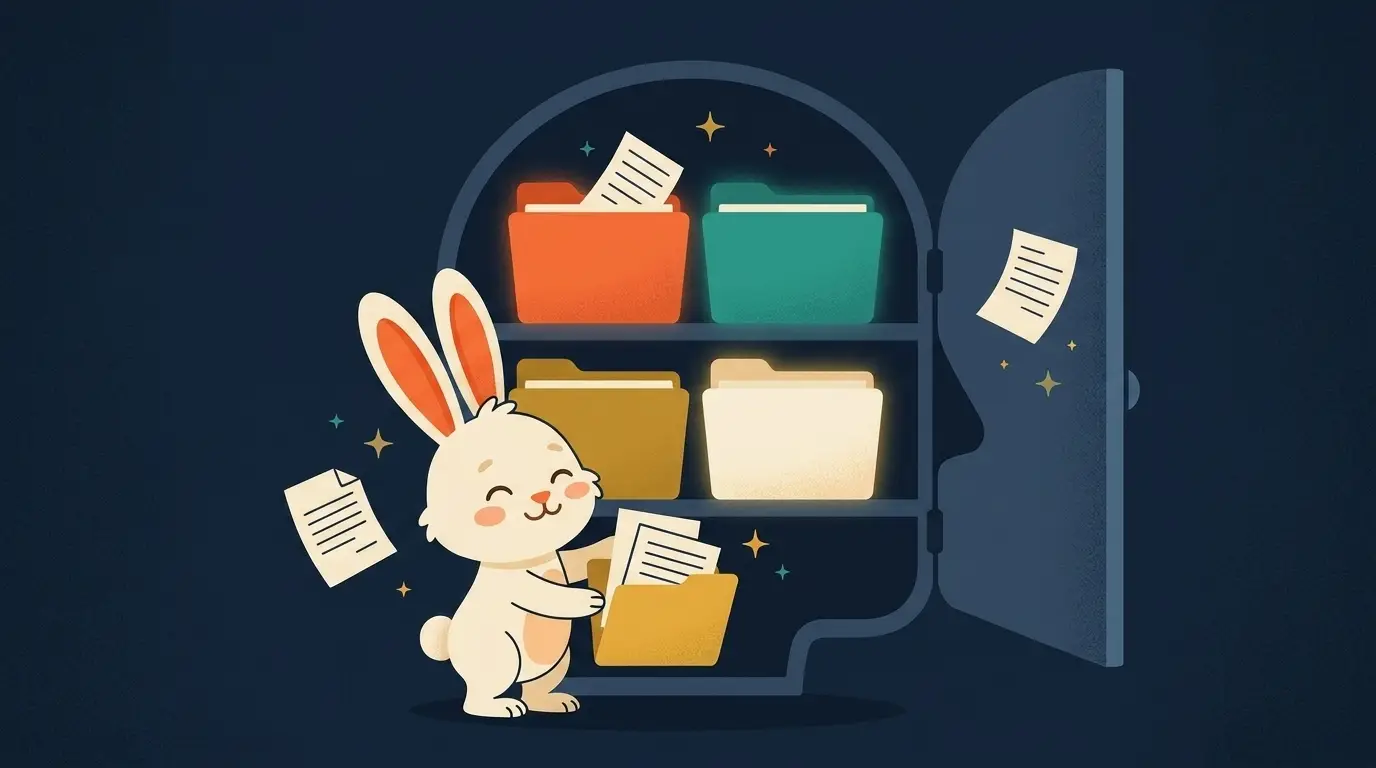
Tiago Forte tested Obsidian by hand back in November 2023 and called it too complex, too much like a programmer's code editor (an 'IDE') for a normal person to open and just start writing in. He's not wrong. Open Obsidian's community plugin store and you'll find hundreds of add-ons: graph visualizers, spaced repetition trackers, kanban boards, custom CSS themes, plugins that add other plugins. An ADHD brain looking for a place to dump a thought does not need a store. It needs a door that opens fast and a floor that doesn't move. So skip the store. Skip the graph view. Skip 49 of the 50 things people tell you Obsidian can do. Use four folders and one daily habit, and the complexity Forte found never shows up.
Forte's actual complaint, and why it doesn't apply here
In his 2023 hands-on comparison of AI-native note apps, Forte tried Obsidian, Tana, and Mem side by side. His verdict on Obsidian was that it felt too complex and too IDE-like for most people to sit down with. His verdict on Tana was that it was too abstract, with no full mobile app. His verdict on Mem was that it was slow, with a weak AI chat feature. His overall conclusion, still his stated view as of that late-2023 review, was that nothing on the market yet replaced a simple, reliable capture tool.
Notice what he's describing. He's describing the tool at full power, plugins installed, graph view turned on, someone trying to build a personal wiki with backlinks and databases baked into every note. That version of Obsidian is genuinely a lot. But nothing forces you to open that door. Obsidian at its bare minimum is a folder of plain text files on your computer, with a window that lets you read and write them. That's it. That's the whole tool before you add a single plugin. The complexity Forte is pointing at is optional, and for this method you're going to leave every bit of it turned off.
Why free and private actually matters for you
Most app comparisons skip the part that matters most to your wallet. Obsidian is free for personal use, full stop, no trial clock running out. Compare that to what the other tools in this space charge just to turn AI features on. Notion needs you on its Business plan at $20 a month billed annually, or $24 month to month, before its AI features fully unlock. Mem gives you 25 AI messages a month free, then charges $12 a month for the Pro tier, and $99 a month if you want its proactive agent tier. Reflect is $10 a month billed annually, with no free tier at all. Tana gives 50 free AI queries a month, then $20 to $30 a month for its Pro tier. Obsidian sits outside all of that. You don't pay to open it, and you don't pay more later because a feature you liked got moved behind a paywall.
The privacy piece matters just as much, maybe more if you're the kind of person who writes down things you wouldn't want floating around on someone else's server. Every note you make in Obsidian is a plain text file, sitting in a folder on your own computer. Nobody's servers, nobody's database, nobody's terms of service update deciding what happens to your worries and half-formed ideas next year. Paula Engebretson, an ADHD coach who's been public about her own AI rules, put her own privacy line simply: "I'm not asking ChatGPT anything I wouldn't be comfortable having anyone else see anyway." Obsidian gives you a place where you don't have to run everything through that filter, because the files never leave your machine unless you choose to sync them somewhere.
Four folders. One daily habit. That's the whole system.
The four folders, and nothing else
Open Obsidian, create a new vault, and make exactly four folders. Don't make a fifth one yet, even if you can already think of a good reason to. Here's what each folder is for.
Inbox. Everything starts here. Every thought, every worry, every half-idea you had in the shower goes into this folder first, with zero sorting. This is where your daily yap lands. You don't decide what a note is when you write it. You decide later, or you don't decide at all and it just sits here, which is fine.
Projects. Anything with a finish line. A thing you're working toward that will be done at some point, then archived or deleted. Your court case, a work deadline, planning a move. If it has an end date, even a fuzzy one, it belongs here.
Areas. Anything ongoing with no finish line. Health, money, your career, your relationships. These folders don't close. You'll come back to the Health note in five years the same way you're coming back to it today.
Resources. Reference material you want to keep but aren't actively working on. An article that explained something well, a list of your favorite prompts, a saved recipe. Stuff you'd look up, not stuff you're doing.
That's the whole structure. It's the PARA method Forte built years ago, before he stepped away from teaching Building a Second Brain in early 2023, spent about three years rethinking his approach for the AI era, and came back this year with a new live cohort called The AI Second Brain, taught mostly through Claude. His founding cohort logged 364 graduates and a Net Promoter Score (the would-you-recommend-it survey) of 70, by his own account. But you don't need his live course, or a paid app, or a company's internal build to use the four folders themselves. Meta's internal analytics team apparently built their own AI second brain on this exact PARA structure and reported 63,000 installs and roughly 10,000 daily active users within three months, by their own account. That's Meta's number about Meta's own tool, not an independently audited study, so take it as a sign the shape works at scale, not as proof of anything about your own brain. What matters for you is smaller and provable in one day: four folders, no plugins, no store, no graph view.
The four-folder Obsidian vault
One job per folder, one daily habit feeding the whole system
The one habit that makes the folders matter
Folders without a habit are just empty boxes. The habit is one daily yap into Inbox. Open Obsidian, hit new note, and talk. Don't organize while you talk. Don't decide if it's a Project or an Area while the thought is still coming out of you. Just get it down, the same way a diary study participant with ADHD described dumping a thought into AI: "in 2 seconds I can just scratch that itch, get it out, and then go back to what I need to do." Obsidian's Inbox does the same job without any AI at all. The relief is in getting the thought out of your head and onto a page, not in where the page lives.
David Allen, who built Getting Things Done long before any of this AI wave, has said the same thing for years about capture in general: "if it's not instant, it won't get done." That's the whole reason the four folders work when 50 plugins don't. A complicated system asks you to make decisions before you've even finished the thought. A four-folder Obsidian vault asks you to do one thing daily, dump it in Inbox, and sort later or never. If you want your daily yap to sort itself, that's exactly what the Yap Method does on top of this: you talk messy, AI sorts it into five piles, Tasks, Worries, Ideas, Feelings, Questions, you pick one tiny action, and you save a restart note. Run that loop, then let the finished note land in whichever of the four folders it actually belongs in. Obsidian holds it. The habit fills it. Forte's complaint about complexity never gets a chance to show up.

Take the whole system with you
The free 43-page ebook: the brain science in plain words, the four steps, the master prompt, and your first seven days.
Prefer it live? Doug teaches this in libraries and meetups — book a 90-minute class →